
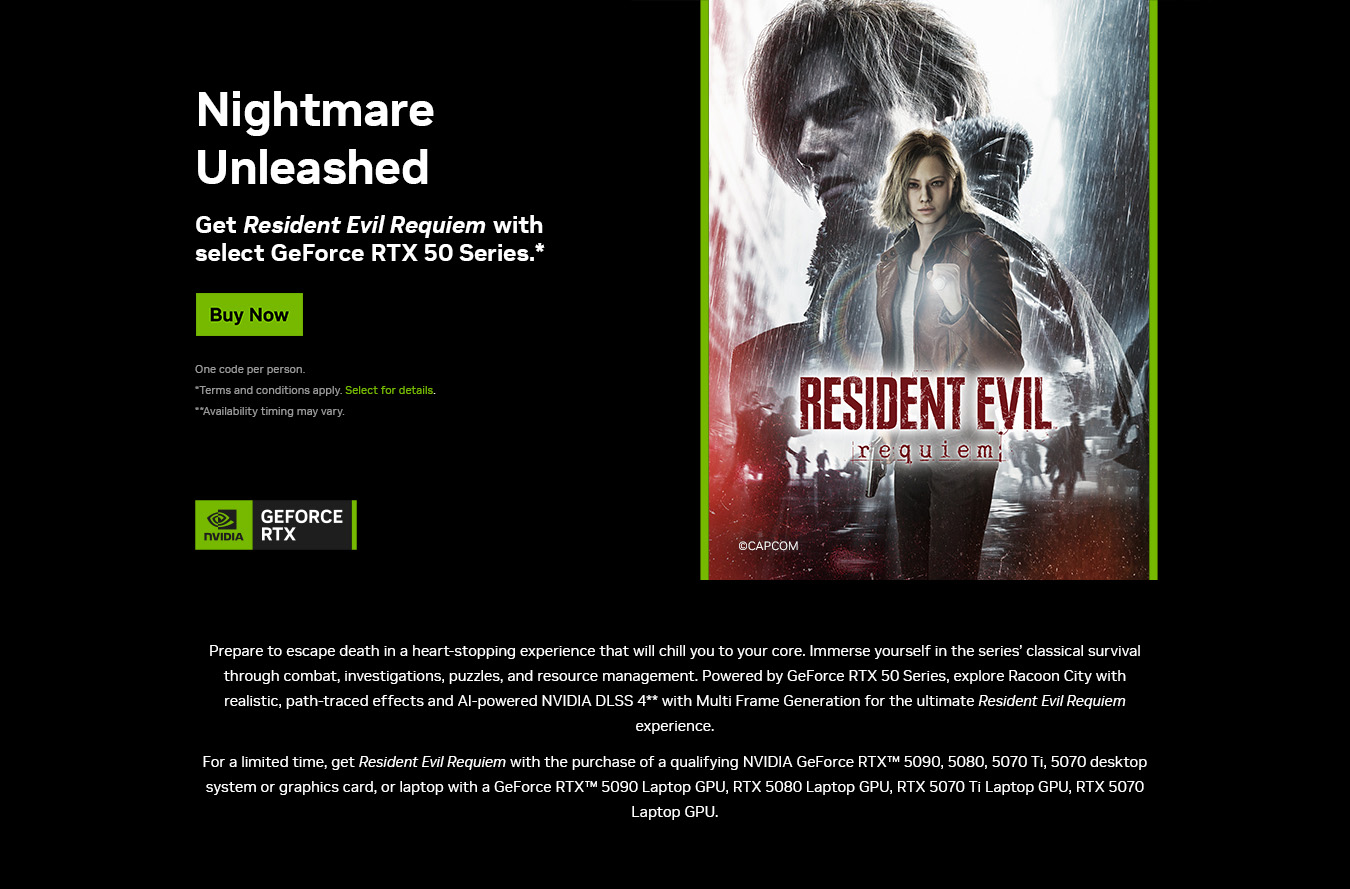
UK Gaming Computers have teamed up with Nvidia once again to bring you an awesome PC game bundle. Buy one of our qualifying Nvidia GeForce RTX 50 Series systems and you will receive the Resident Evil Requiem RTX Bundle!
REDEMPTION INSTRUCTIONS
REDEEM YOUR COUPON THROUGH THE NVIDIA APP
To redeem your promotional code for Resident Evil Requiem Standard Edition you must have a NVIDIA app and a Steam account. Please follow the steps below:
1. Boot up your UKGC PC with qualifying graphics card.
2. Update or install the latest version of the NVIDIA app.
3. Open and log in to the NVIDIA app.
4. Go to the Account drop-down menu and select “REDEEM”.
5. Enter your bundle code from your qualifying bundle purchase.
6. Follow the remaining instructions on screen to sign in through your Steam account.
7. Select “REDEEM” to redeem Resident Evil Requiem Standard Edition to your Steam account.
8. LAUNCH Steam to begin installation.
For all Terms & Conditions, please visit the Nvidia website here, and for answers to Frequently Asked Questions, please click here.